
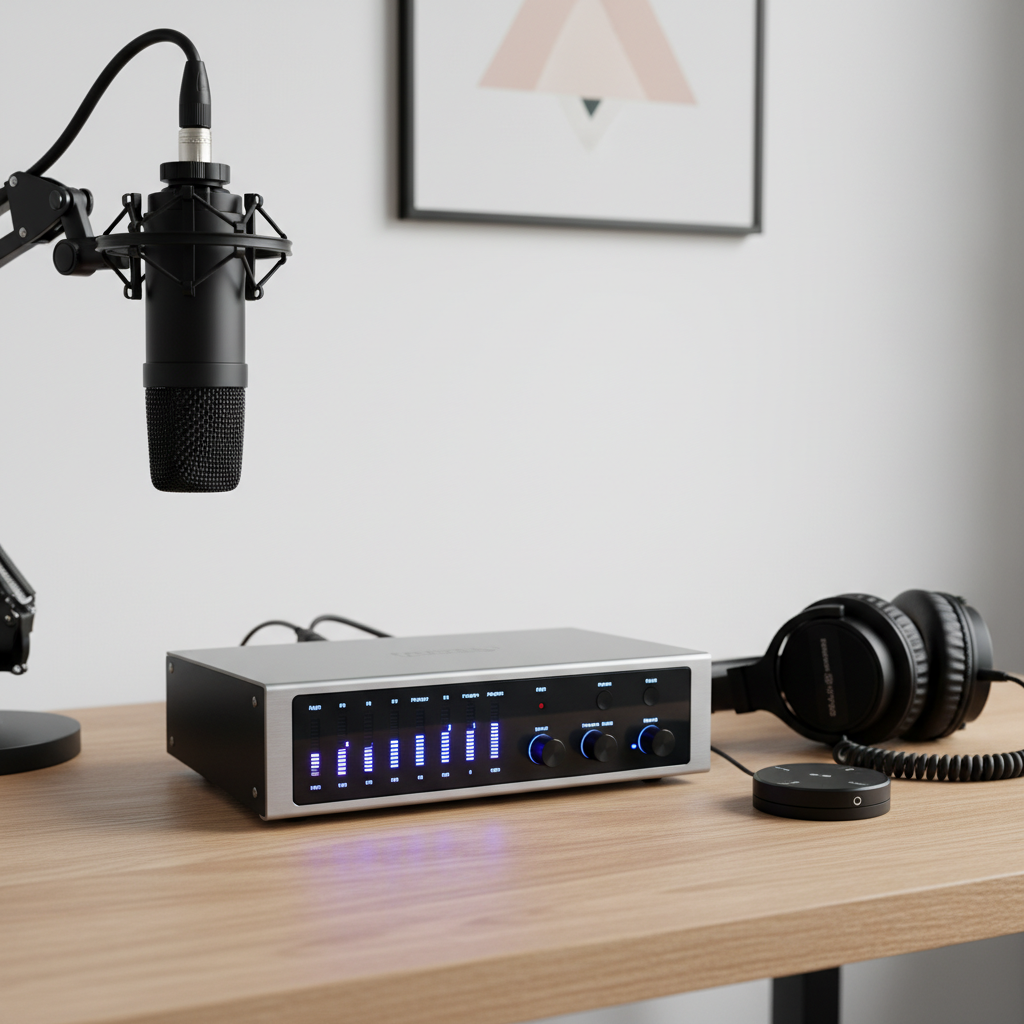
For any aspiring musician, podcaster, or voiceover artist, the journey into home recording often begins with a fundamental question: “What piece of equipment do I need to connect my mic or instrument to my computer and get good sound?” The answer, in almost every case, is an audio interface. This crucial device acts as the bridge between your analog sound sources (like microphones and guitars) and your digital recording software (your computer). Choosing the right audio interface can dramatically impact the quality of your recordings, the ease of your workflow, and ultimately, your creative output. This article will guide you through the essential considerations for selecting an audio interface that fits your needs and budget, helping you avoid common pitfalls and achieve professional-sounding results.
Understanding the Basics: What an Audio Interface Does
An audio interface performs several vital functions. First, it converts analog audio signals from your microphone or instrument into digital data that your computer can understand and record. This process is called Analog-to-Digital (A/D) conversion. Conversely, it converts digital audio playback from your computer back into analog signals for your headphones or studio monitors (Digital-to-Analog, or D/A conversion). Second, it often provides “preamps” – small amplifiers that boost the weak signal from a microphone to a usable level. Third, it typically offers phantom power (+48V) for condenser microphones, which require an external power source. Finally, it acts as a high-quality sound card, bypassing your computer’s often lower-quality built-in audio processing, leading to cleaner sound and much lower “latency” (the annoying delay between playing something and hearing it back). Essentially, it’s the central hub for all your audio going in and out of your computer.
Key Considerations: Inputs, Compatibility, and Sound Quality
When selecting an audio interface, three practical considerations stand out: the number of inputs, computer compatibility, and the quality of its internal components. Let’s break these down.
1. How Many Inputs Do You Need? This is perhaps the most straightforward decision. If you only plan to record a single microphone for vocals or a single instrument at a time, a 1-in/2-out interface (one mic/instrument input, two outputs for speakers/headphones) like the Focusrite Scarlett Solo or PreSonus AudioBox Go is perfect. If you want to record a guitar and vocal simultaneously, or a stereo keyboard, you’ll need at least a 2-in/2-out interface (e.g., Behringer UMC202HD, Native Instruments Komplete Audio 2). Bands or those recording multiple instruments will need more inputs, perhaps 4, 8, or even more. Avoid buying an interface with significantly more inputs than you currently need, as this often increases cost without immediate benefit for a beginner. However, consider your potential future growth; a small upgrade now might save you from buying a new interface sooner than expected.
2. Computer Compatibility and Connection Type: Most modern audio interfaces connect to your computer via USB (USB-A, USB-C) or sometimes Thunderbolt. Ensure the interface you choose is compatible with your computer’s operating system (Windows or macOS) and has the correct type of port. Most interfaces come with necessary drivers, which are small software programs that allow your computer to communicate with the interface. Always check the manufacturer’s website for the latest driver updates. USB-C interfaces are becoming increasingly common and offer faster speeds, but USB-A (the rectangular port) is still widely supported. Thunderbolt offers the lowest latency but is typically found on higher-end interfaces and newer Macs.
3. Sound Quality (Preamps and Converters): While often hard to quantify without listening tests, the quality of an interface’s preamps and A/D-D/A converters significantly impacts your sound. Good preamps provide a clean, clear boost to your microphone signal without introducing hiss or distortion. Quality converters ensure that the digital representation of your sound is accurate and detailed. While budget interfaces have made incredible strides in audio quality, there’s a noticeable difference as you move up in price. For beginners, most popular interfaces from reputable brands like Focusrite, PreSonus, Behringer, Audient, and Native Instruments offer perfectly adequate sound quality for learning and creating. Don’t get overly hung up on technical specifications like sample rates and bit depths initially; focus on clean preamps and reliable conversion. A common mistake is buying the cheapest interface available, which can result in noisy recordings and frustration. Invest in a recognized brand to ensure a good baseline of quality.
Putting it All Together and Avoiding Common Mistakes
Once you’ve considered inputs, compatibility, and a reasonable quality level, you can make an informed decision. For example, if you’re a singer-songwriter wanting to record vocals and an acoustic guitar separately, a 2-in/2-out USB-C interface from a reputable brand like the Focusrite Scarlett 2i2 or Audient iD4 would be an excellent choice. If you’re a podcaster recording a single voice, a 1-in/2-out option is more economical.
A common mistake beginners make is purchasing an interface without proper research, leading to compatibility issues, not enough inputs, or simply poor sound quality that dampens enthusiasm. Another error is neglecting to install the correct drivers or update them regularly, which can cause connectivity problems or instability. Always download drivers directly from the manufacturer’s website, not third-party sites.
By carefully considering your current needs, anticipating future growth, and prioritizing reputable brands known for good performance and driver support, you can confidently choose an audio interface that serves as a robust and reliable foundation for your home studio, enabling you to capture your creative ideas with clarity and confidence.